2 min to read
Project Zero Inventory: Week 2 - The Build
Week 2 of the Project of the Month
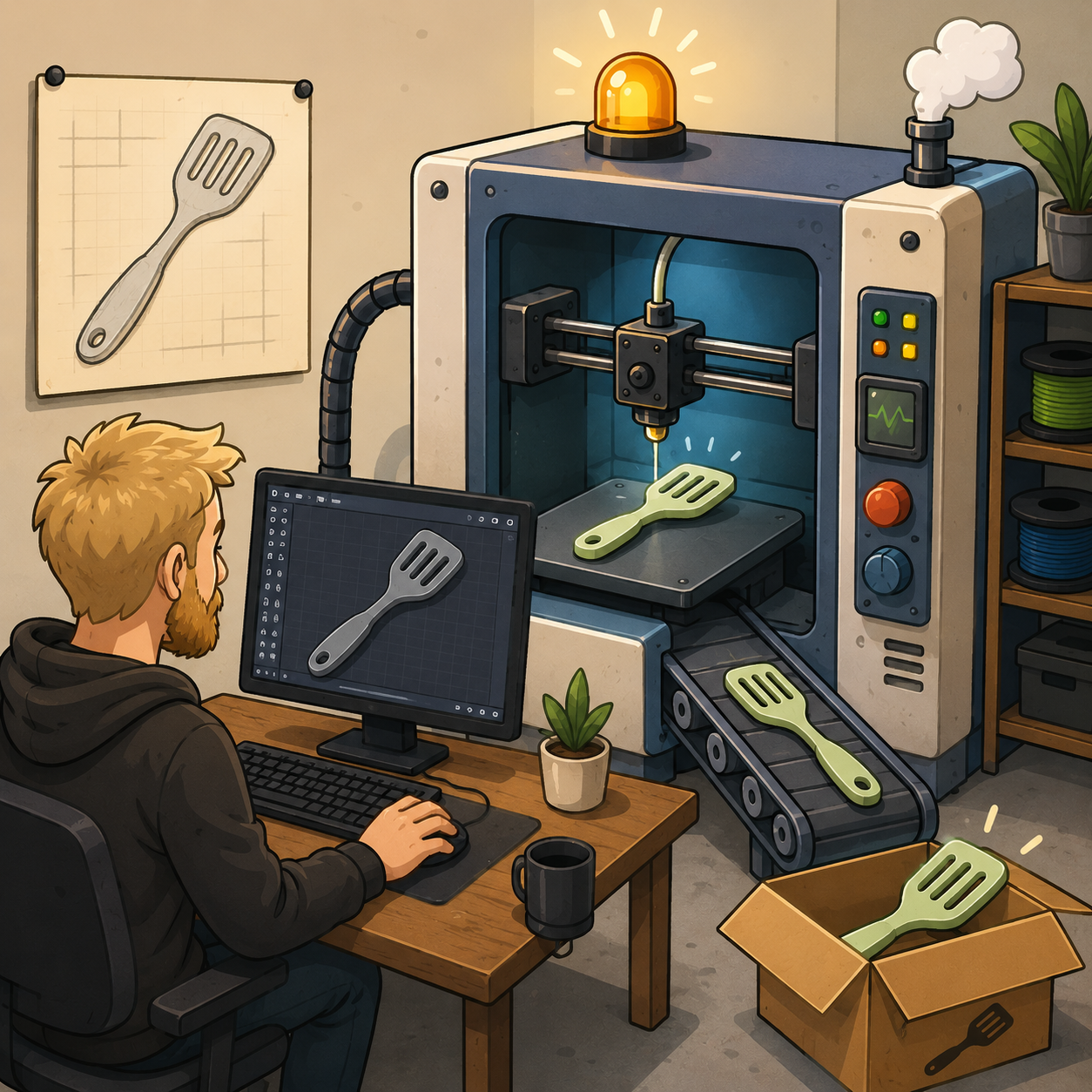
Last week I introduced Project Zero Inventory and the idea of using 3D printing as a stepping stone toward selling physical products online. Rather than investing in a large inventory before knowing whether people actually want a product, I want to manufacture each item on demand and only scale up production once demand has been proven.
This week I’ll discuss the build process, including how I set up my workflow, the software I chose, and the first product I’m designing.
The Workshop
I have a friend, Josh, with a sick garage that he converted into a makerspace with a 3D printer. Josh is letting me use his printer to test out my zero inventory idea. Shout out to you, Josh! You are awesome!
Learning CAD
I am completely new to 3D printing, so I tried out a variety of CAD software. I started with Fusion 360, but quickly found it to be overkill for the simple products I wanted to design. I eventually switched to Shapr3D, which is much simpler and felt like a much better fit for this project. To learn it, I watched this excellent tutorial series: Learn Shapr3D In 10 Days for Beginners. The title is pretty accurate—you can honestly learn the basics in about 10 days. That said, I get the feeling it’s going to take a lot longer to become truly proficient.
The First Product
The first product I’m building is an adjustable measuring spoon. It’s an extremely simple two-part design that uses basic shapes and straightforward geometric measurements, which makes it an ideal first attempt at 3D printing. I actually made one a while back, and this time I want to improve the design.
Here’s a sneak peek at what I’m making:
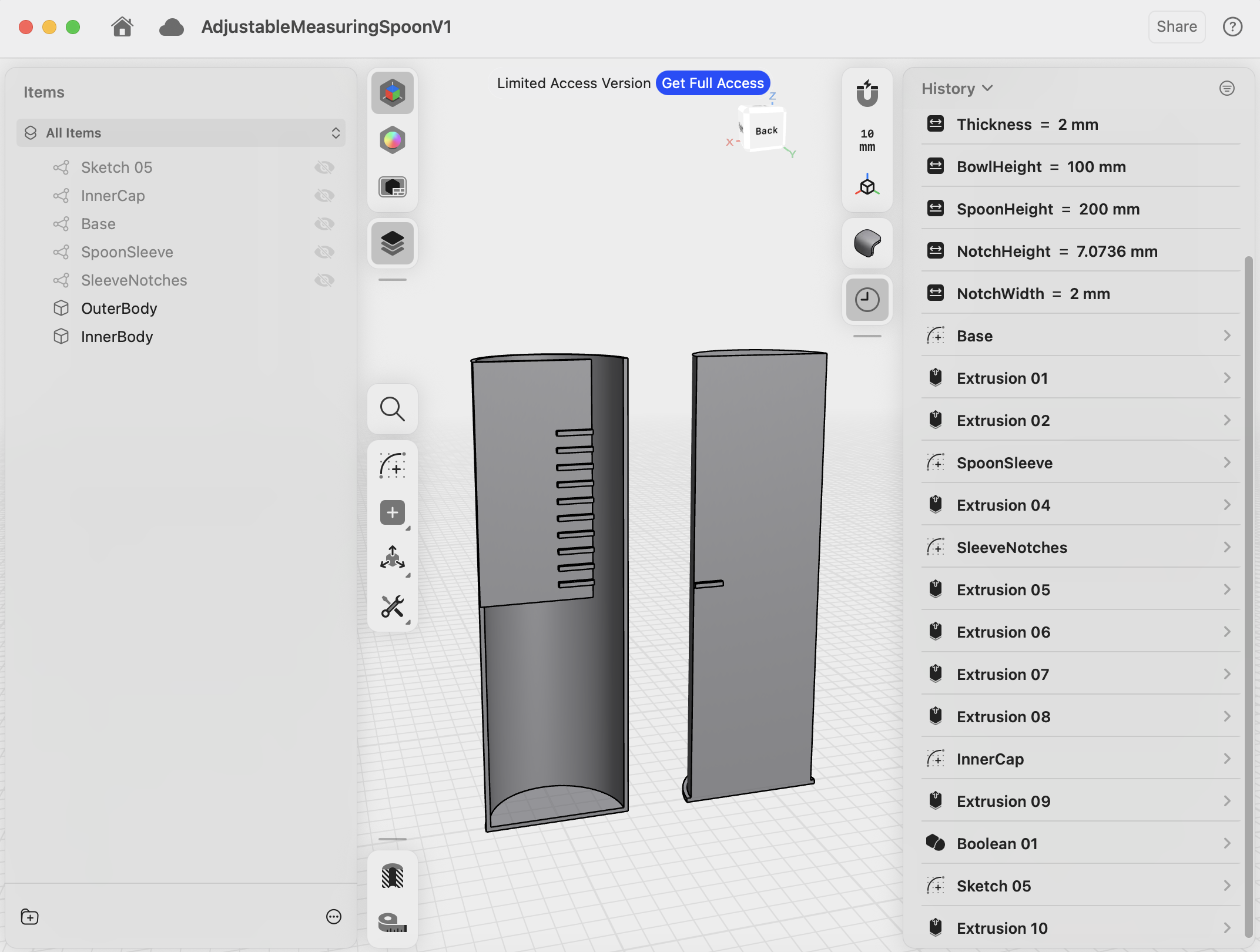
I’m excited to print this next week and see how it turns out!
Looking Ahead
Yesterday I met up with my friend Don. Don is a 3D modeling guru, and he also has a sweet website that you should check out: DonBalanzat.com/. Don introduced me to an AI-powered CAD tool called Zoo.dev that can generate 3D models from text prompts. I’m excited to try it out next week and see whether it can help accelerate the product design process.
Stay tuned for next week when I’ll introduce another design and, hopefully, have some 3D printed prototypes to show off!





Comments