5 min to read
Project AIVID: Week 2 - The Build
Week 2 of the Project of the Month
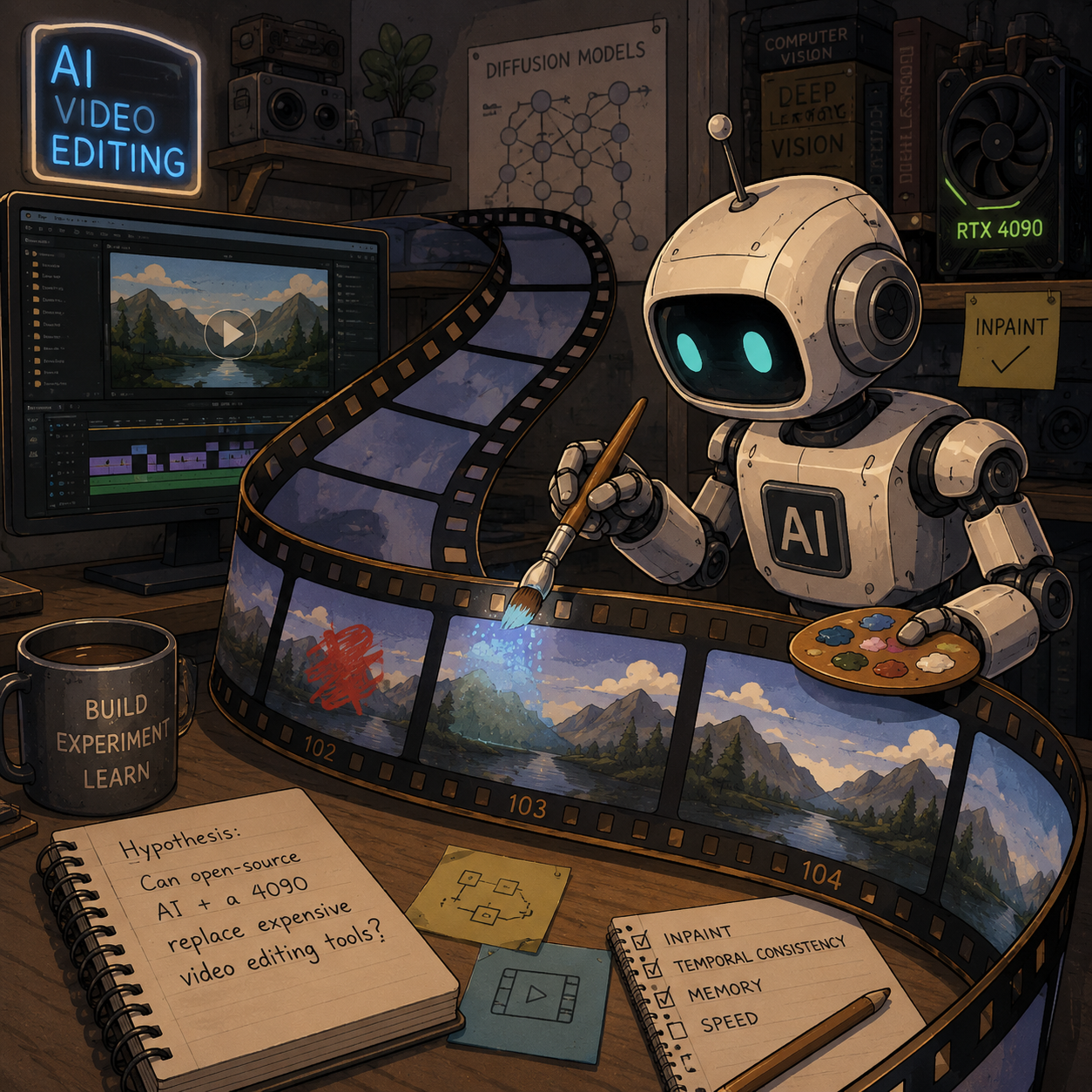
Last week I introduced Project AIVID and the goal of building a local AI video editing workflow. As a quick review, I was hired by a client to use AI to remove visual defects from a company video. But rather than relying on cloud-based commercial tools, I wanted to see how far I could get using open-source models and my own hardware.
This week I’ll discuss how I built the software and some of the challenges that appeared along the way.
From Images to Video
In order to remove defects from a video, all you need to do is mask out the area you want to edit and then use an AI video generation model to fill in the missing region with new content – a process known as inpainting. The generative models used for inpainting rely on diffusion to generate new pixels that match the surrounding area. I’ve worked with diffusion models before, both through open-source tools and by building my own diffusion model from scratch.
Under the hood, a video generation model works much the same way as an image generation model; it simply has an additional time dimension. Conceptually this sounds like a small step. Computationally, however, it is a much larger one because the diffusion process must be performed across many frames instead of just one.
The primary challenge of this project is to build a software framework that can run AI video generation locally without exhausting system memory.
Finding a Model
The first step was finding a video generation model that could run on my hardware. One thing that surprised me was how few open-source video generation models currently exist.
For image generation there are hundreds of mature open-source options available on Hugging Face. Video generation is different. The models are larger, the memory requirements are higher, and the ecosystem is still relatively young.
After evaluating several options, I settled on Alibaba’s WAN/VACE models:
VACE is designed as a general-purpose video editing model and supports tasks such as inpainting, object removal, video extension, and style transfer. On paper, it appeared to be exactly what I needed.
Challenge #1: Building a Real API
The first challenge I encountered was that the VACE model is not designed as a modular package or software library. Instead, it is designed primarily as a demonstration of the model’s capabilities. Concretely, the codebase works directly with video files and does not expose functions for working with raw tensors or frames. This makes it difficult to integrate the model into a larger software workflow.
In order to proceed, I had two options:
- Convert all video data into MP4 files that are compatible with the VACE codebase.
- Dissect the codebase and extract the internal functions responsible for video generation, packaging them into a more traditional Python workflow.
I chose the second option. It required more work up front, but it would give me a much more flexible foundation for future projects.
To make this work, I went through the VACE codebase file by file and line by line to understand how the video generation process worked. I then copied the relevant components into my own project (while preserving the original licenses) and wrote wrapper functions that exposed the core functionality through a cleaner and more modular interface.
This took a lot of effort, but by the end I had direct programmatic access to the video generation pipeline. However, I soon discovered that software architecture was only half the battle…
Challenge #2: Memory
The second challenge I encountered was memory. While image generation models can often run comfortably on consumer hardware, video generation is a completely different beast. Not only is the video itself much larger than a single image, but the intermediate tensors required during generation can be substantially larger as well. Even with an RTX 4090, memory quickly became a limiting factor.
In order to make the problem manageable, I decided to attack it from two directions. First, I would reduce the memory footprint of the videos themselves. Second, I would only perform inpainting on small regions of the video rather than processing entire frames whenever possible.
To reduce the memory footprint of the videos, I decided to store them using memory-mapped arrays (memmaps). Unlike ordinary arrays, which must reside entirely in RAM, memmaps allow array data to be stored on disk and loaded only as needed. This trades memory for compute time, reducing memory requirements at the cost of additional disk reads and writes.
To make this approach easier to work with, I built a Python object that I call a LazyVideo. Internally, a LazyVideo stores video data as a memmap array, but from the perspective of the user it behaves much like an ordinary tensor. This allows me to slice, crop, and manipulate videos using familiar tensor operations without worrying about where the underlying data is stored. The result is a workflow that feels similar to working with in-memory tensors while scaling to much larger videos.
At this point I had solutions to both of the major software engineering problems. I could access the video generation pipeline programmatically, and I could process videos without exhausting system memory.
Current Status
My code for this project is available on GitHub: AIVideoSandbox. The project is still a work in progress, but feel free to explore it, modify it, or incorporate pieces of it into your own projects. I released it under the MIT License so that it can be used freely for both personal and commercial projects.
One thing to note is that despite all of my memory optimizations, the final video generation process is still extremely resource-intensive and requires substantial compute power.
Next week I’ll discuss the software framework in more detail and share some of the results from my experiments with the model. Stay tuned!






Comments